Digital Method
To edit your own card, whether you're using a phone, computer, or tablet, you'll need an image-editing program. Find one that's compatible with your device and learn how to use the tools for adding text and images. Here are the steps:
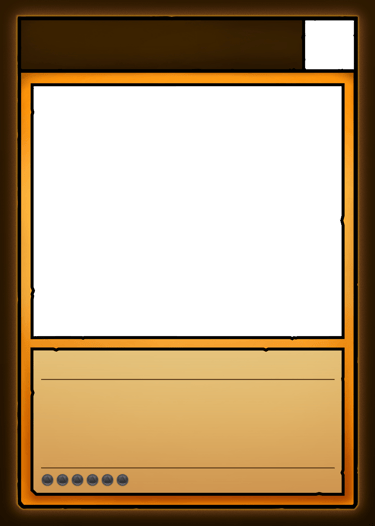
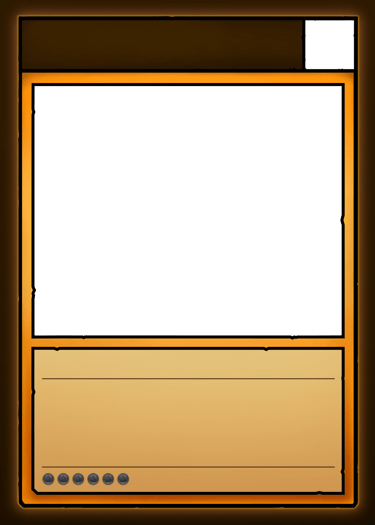
Download the Blank Template at the bottom of this page.
Import the image into your image-editing program. (Make sure it fills the entire canvas.)
If possible, lock the layer containing the image so it isn't selected by accident.
Create a layer below the template and add your character's image there.
Create a layer on top of the template to add text using the guides.
For greater accuracy, use the fonts that appear in the original cards: Norse Bold and Alegreya Medium. Both are free and available HERE.
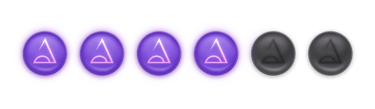
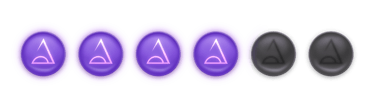
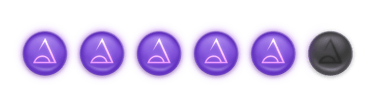
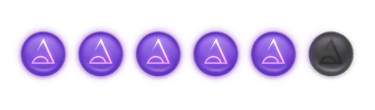
If your character has a Magic Level, import the image of the Magic Level corresponding to your character and place it in the designated space.
Do the same with the Character Class logo next to the name.
Once you've finished your card, export it, and you're all set!
How to Make your Own Character
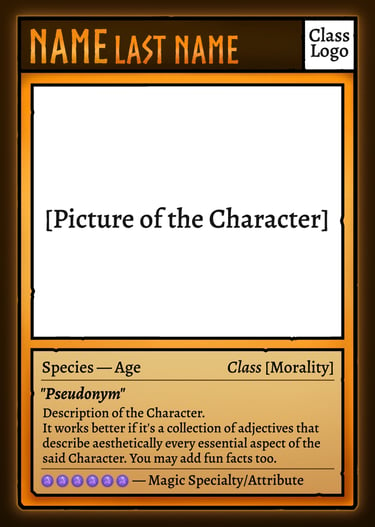
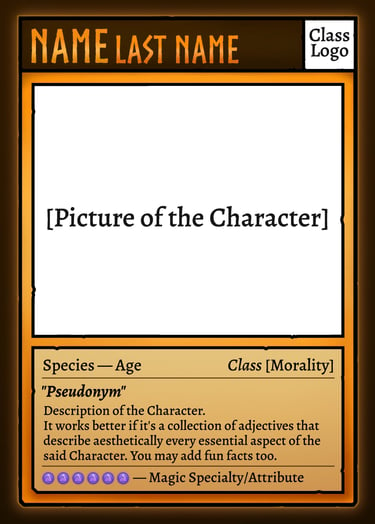
Manual Method and Resources
In order to create your character following the rules of the Metrecalia universe, it is essential that you use the SACRED MANUAL below, which contains all kinds of information about the rules regarding characters, simplified for your convenience.
If you want to create your own card, here are two different ways to do it, step by step:
If you'd like to do it manually, you can print out the template to cut it out yourself, or print the first few pages of the MANUAL. Then, you can draw on it or paste a cut-out image of your character into the designated area. Below, you'll find all the templates you'll need. Download the images individually.